
Download Memorizer – learn Russian, vocabulary builder, language learning, memory training, flashcards, custom flashcards, word recall, language app, learn words, memorization tool
Overview
Memorizer is a specialized mobile application crafted to support language acquisition through a minimalist yet effective approach to vocabulary retention. Designed for individuals aiming to expand their Russian vocabulary, the app leverages timed intervals to display words alongside their translations, encouraging active recall and reinforcing memory over time. This method aligns with principles of spaced repetition, a proven technique in cognitive psychology for enhancing long-term retention. The app’s core purpose is to simplify language learning by focusing on direct word associations, making it ideal for beginners and intermediate learners seeking consistent, low-effort daily practice.
Target users include language enthusiasts, students, travelers preparing for trips to Russian-speaking regions, and anyone interested in improving their linguistic memory. The app’s focus on Russian provides a deep dive into one language, allowing users to build a foundational vocabulary with precision. Although the app currently supports only Russian, users can create custom vocabulary lists, enabling adaptation for other languages. This flexibility adds a layer of personalization, allowing learners to tailor content to specific goals such as professional terminology, travel phrases, or academic vocabulary. In the broader app ecosystem, Memorizer stands out as a niche utility that combines memory training with language learning, offering a streamlined alternative to more complex language platforms.
Key Features & Functionality
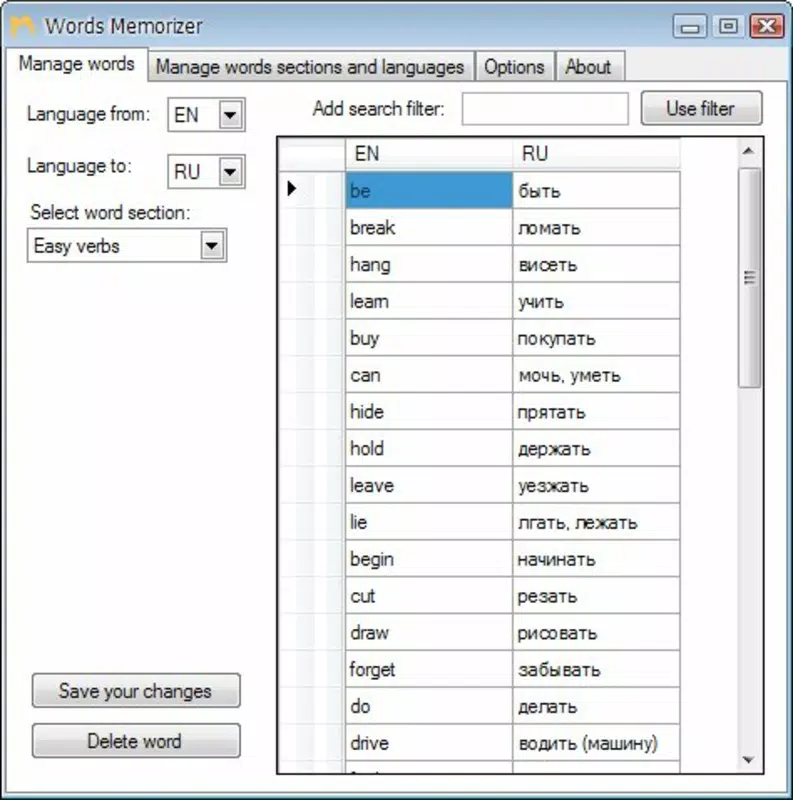
- Interval Learning: Words and their translations appear on the screen at set intervals, prompting users to recall the meaning before the next display. This active recall mechanism strengthens neural pathways associated with memory retention.
- Russian Language Focus: The app is currently designed exclusively for learning Russian, providing structured vocabulary sets that support progressive mastery of core vocabulary.
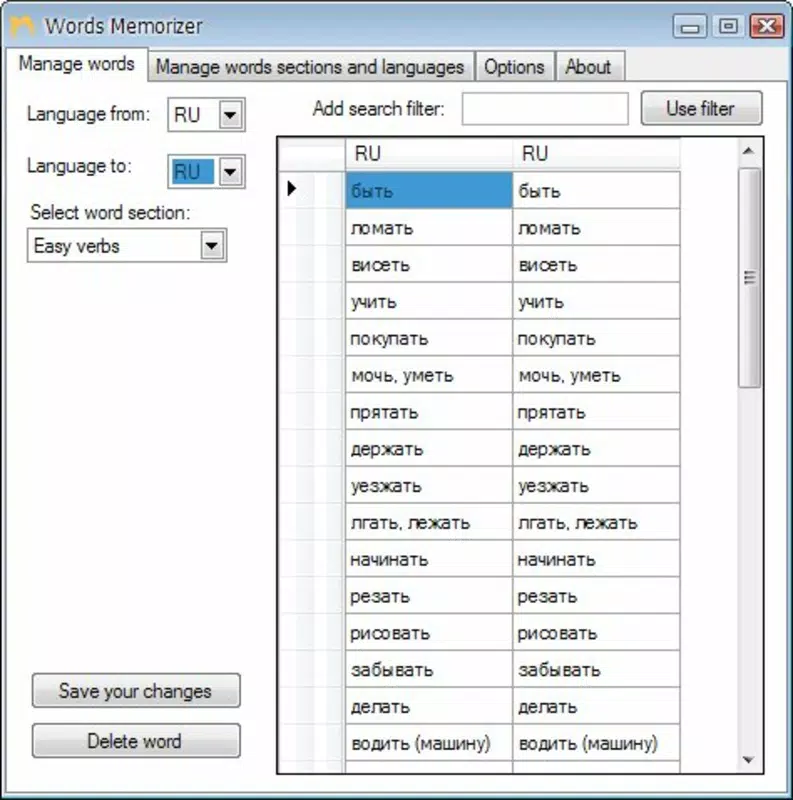
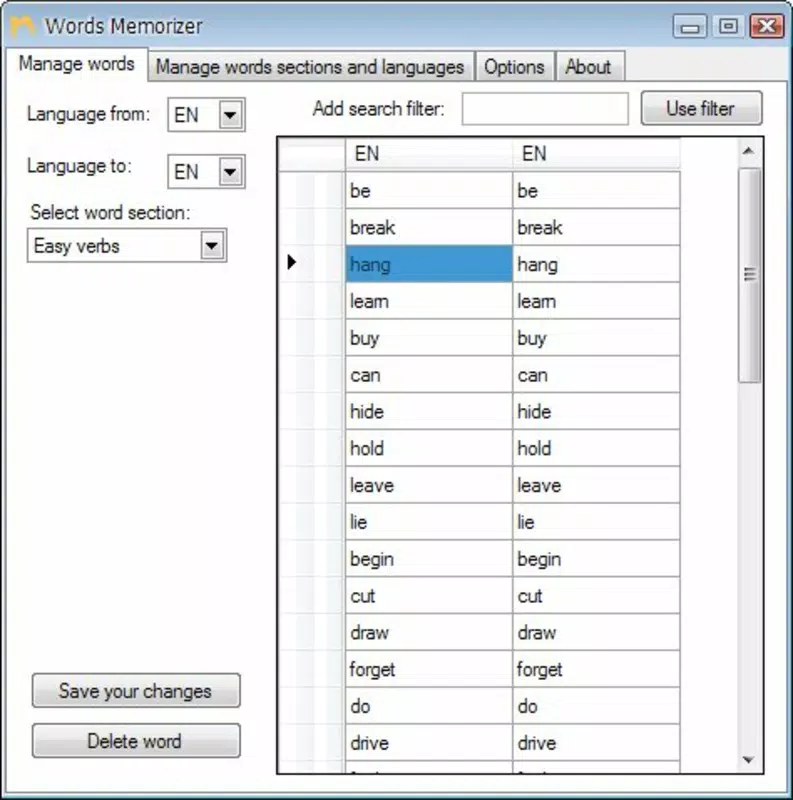
- Custom Vocabulary Lists: Users can create and manage their own word lists, allowing for personalized study content beyond the default Russian sets.
- Innovative Learning Approach: By presenting words and translations in a direct, uncluttered format, the app minimizes cognitive load and emphasizes immediate recall, enhancing engagement and efficiency.
- Vocabulary Improvement: Regular use supports steady vocabulary growth through repeated exposure and active engagement, contributing to measurable progress over time.
For example, a user preparing for a trip to Moscow might create a custom list of travel-related Russian words. During each session, the app displays a word like “поезд” (train), requiring the user to recall the translation before the next interval. This repeated exposure and active engagement help solidify understanding and retention. Similarly, a student studying Russian literature could build a list of key terms from a specific text, reinforcing comprehension through consistent review.
Interface, UX & Performance
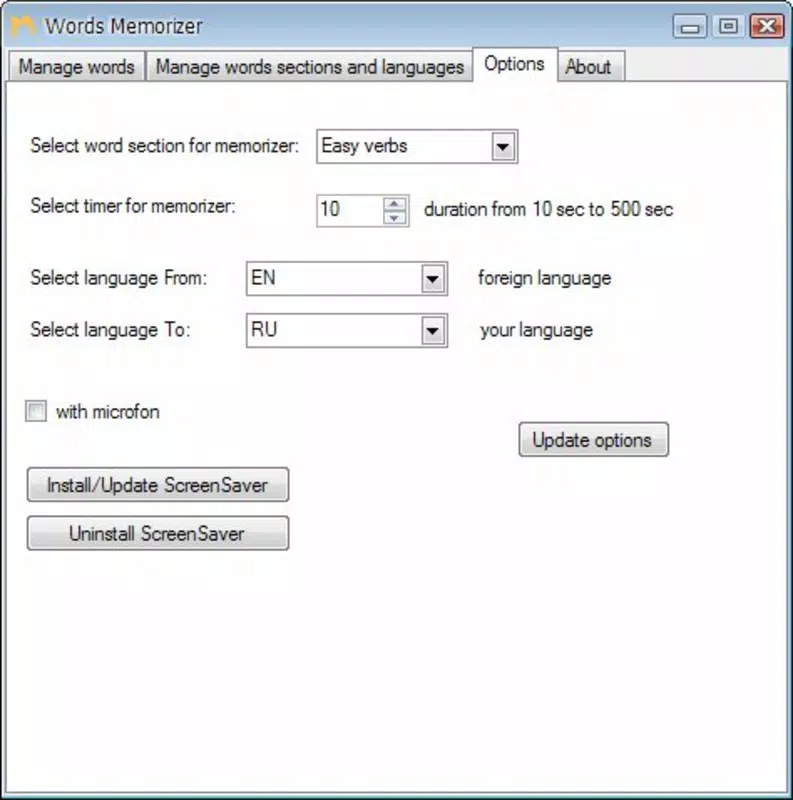
Memorizer features a clean, distraction-free interface centered around a single task: word and translation display. The layout is minimalistic, with large, readable text and a simple background, ensuring optimal visibility and focus. Navigation is intuitive, relying on a single on-screen button to trigger the next interval, reducing friction and enabling seamless transitions between sessions. The app’s design prioritizes usability, making it accessible to users of all ages and tech proficiency levels.
Although the developer did not list formal performance metrics, the app’s small file size of 1.5 MB suggests optimized code and efficient resource usage. It is likely to run smoothly on a wide range of Android devices, including older models. Responsiveness appears consistent based on the app’s straightforward mechanics, with minimal lag between intervals.
Stability is expected to be high, given the limited scope of functionality. Users can expect consistent performance across different screen sizes and device categories. The app does not appear to require complex permissions or background processes, contributing to reliable operation and low battery consumption.
Platform Compatibility & Technical Requirements
Memorizer is available exclusively on the Android platform. The current software version is 1.0, with a file size of 1.5 MB. The developer did not specify minimum OS requirements or device compatibility details.
While the app’s lightweight nature suggests broad compatibility with Android devices released in recent years, users are advised to ensure their device meets general Android system standards. Specific hardware or software prerequisites were not disclosed. The app is offered free of charge, making it accessible to a wide audience seeking low-cost language learning tools.
Pros and Cons
Pros
- Simple, focused design ideal for consistent daily use
- Effective interval-based learning method for memory retention
- Supports custom vocabulary lists for personalized learning
- Free to download and use with no in-app purchases
- Small file size ensures fast installation and minimal storage usage
Cons
- Currently limited to Russian language content
- No built-in support for audio pronunciation or visual cues
- Developer did not provide detailed system requirements
- Interface lacks advanced customization options
- No progress tracking or analytics features available
FAQ
Is Memorizer available for iOS?
Memorizer is currently only available on the Android platform. There is no official iOS version at this time.
Can I use Memorizer to learn languages other than Russian?
While the app’s default content is focused on Russian, users can create custom vocabulary lists for other languages, allowing for broader language learning applications.
Is Memorizer safe to download and install?
Yes, the app is free and available through official Android channels. It does not require sensitive permissions and has a minimal footprint, reducing potential security risks.
Does Memorizer require an internet connection?
No, Memorizer functions entirely offline. All vocabulary and settings are stored locally on the device.
How often should I use Memorizer for best results?
For optimal retention, consistent daily use—such as 5 to 10 minutes per session—is recommended. The app’s interval system is designed to support regular, short bursts of learning.
Final Thoughts
Memorizer presents a refreshingly simple solution for language learners aiming to build their Russian vocabulary through active recall. Its minimalist interface and interval-based learning method make it easy to integrate into daily routines without overwhelming the user. While the app currently supports only Russian and lacks advanced features like audio or progress tracking, its core functionality is effective and purpose-built.
The ability to create custom flashcards adds significant value, allowing users to tailor their learning to specific goals. For those seeking a lightweight, free, and focused tool to improve memory and language skills, Memorizer delivers tangible benefits with minimal friction. Its small size and offline operation make it ideal for users with limited storage or unreliable internet access.
Download Memorizer now


